Popup Steps
The basic type of step you can display in your guides is the popup. This is a simple modal which will be displayed at the center of the screen. This is good for general messages such as a welcome step, or simply sharing a product update with users.
Authenticate the Extension
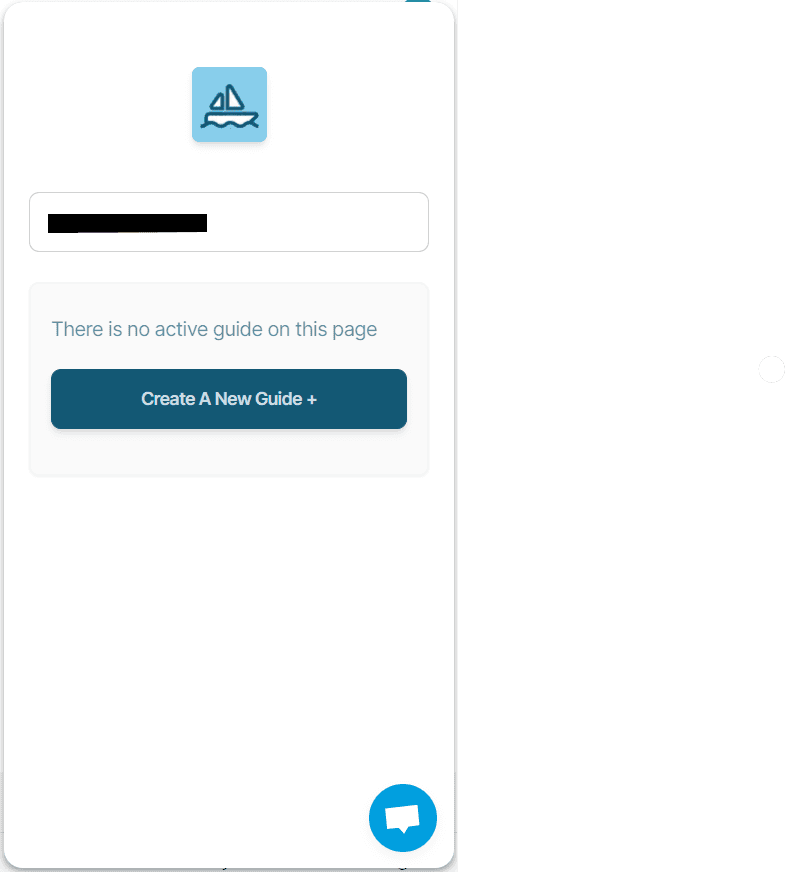
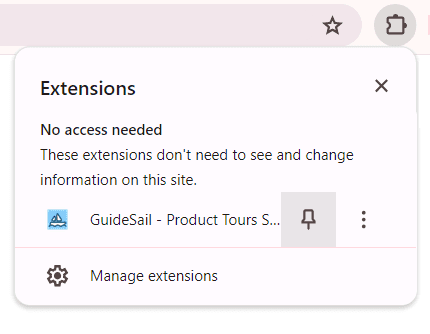
Navigate to your product page and launch the GuideSail extension by clicking it. The GuideSail builder should now be visible on your screen. You will be prompted to sign in, click the button to authenticate the Builder. You will be taken to a new tab which may ask you to sign in.

After your extension is activated, return to your product page, refresh, and launch the GuideSail Builder again.
You should now be able to create guides!